ClipMateMy Boards
Menu

YOUR WORDS · READY WHEN YOU ARE

Your saved messages.
Ready when you are.

Keep the messages you use again and again in simple Boards. Copy one, paste it anywhere, and move on.

Try it nowExplore the Board Library
Free public beta · English · United States

SEE IT. COPY IT. PASTE IT. DONE.

A tiny habit that saves time every day.

Choose a Board, copy a Message, then paste it into the note beside it.
Paste here

A fresh page. Copy a message and paste it here.

ONE ACCOUNT · YOUR BOARDS · EVERYWHERE

Your Boards follow you.

Sign in with Google to save your Boards and continue on your computer or phone. This is not live collaborative editing.

Create My Boards
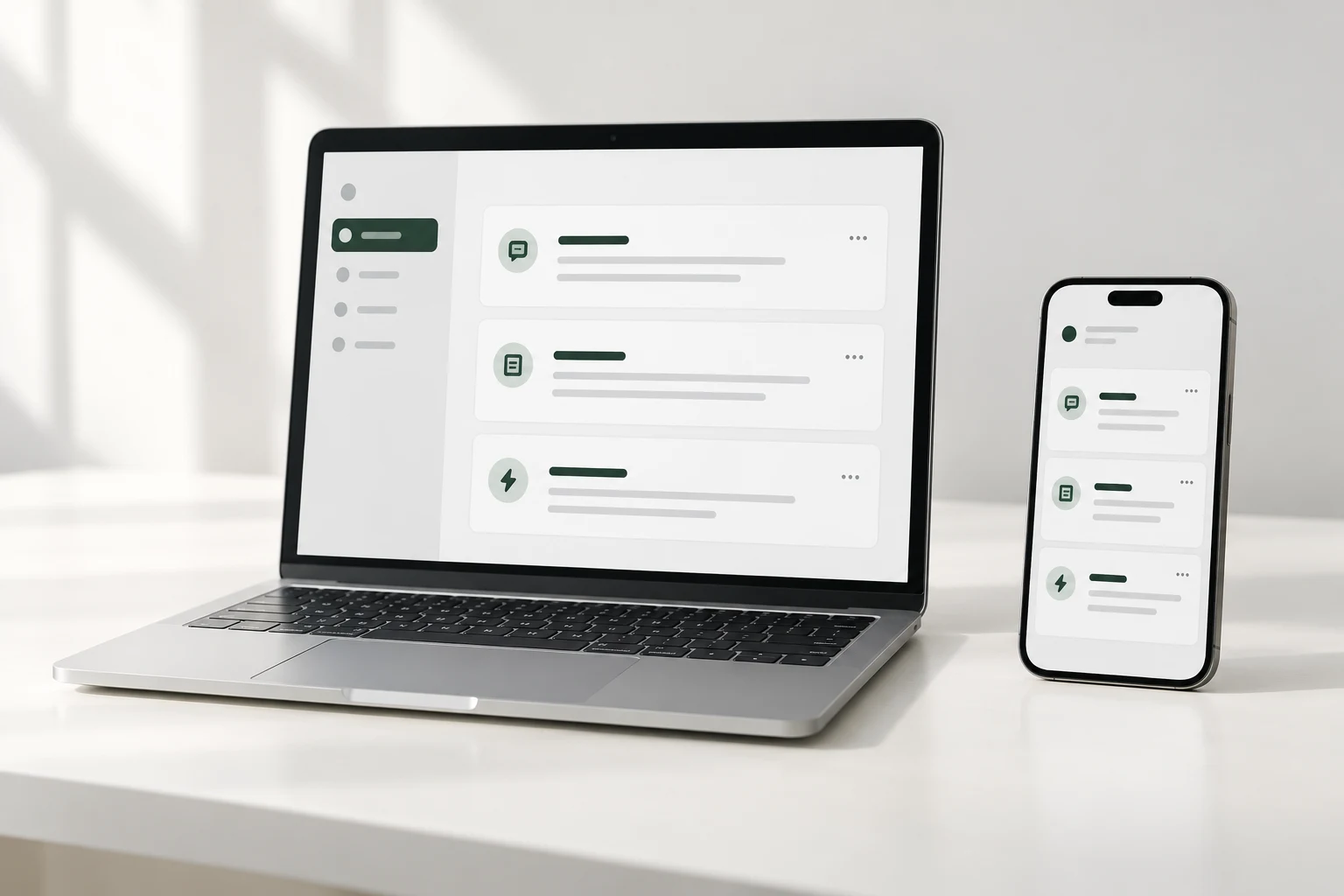
The same ClipMate Boards available on a laptop and phone

START WITH SOMETHING USEFUL

Boards built for real moments.

Preview every Message before you sign in. Save a Board only when it feels useful.

Selling

Marketplace Selling

Friendly replies for item questions, holds, local pickup, and shipping.

  • Thanks for your interest! Which item or option are you asking about?
  • I can hold it until 6:00 PM today. Let me know if your plans change.
  • For porch pickup, I’ll send the pickup details once we confirm a time.
Preview Board →
Work

Freelance Client Replies

Clear messages for new projects, feedback, scope, and next steps.

  • Thanks for reaching out. Could you share the project goal and preferred deadline?
  • Could you put your feedback in one message or document?
  • Before we proceed, let’s confirm how this affects the scope and timeline.
Preview Board →
Appointments

Appointments & Booking

Make finding, confirming, and changing a time feel effortless.

  • What day and time would work best for you?
  • Could you send two alternative times that work for you?
  • Your appointment is confirmed for Thursday at 2:00 PM.
Preview Board →
See all English Boards

HOW IT WORKS

Save once. Use whenever.

  1. 1Choose a BoardStart with a ready-made Board or build your own.
  2. 2Copy a MessageOne click copies the full text—no dragging to select.
  3. 3Paste it anywhereUse it in email, chat, forms, or wherever you type.

A FEW USEFUL DETAILS

Simple by design.

Do I need an account to try ClipMate?

No. The copy-and-paste demo and full Board previews work before sign-in. Google sign-in is required only to save a Board.

Can I use the same Boards on my phone and computer?

Yes. Sign in with the same Google account to continue with your server-saved Boards on another device.

What should I avoid saving?

Do not save passwords, one-time codes, payment card numbers, API secrets, or recovery codes. ClipMate is not a password manager.

Keep the words you reach for most.

Start with a Board. Make every Message your own.

Sign in with Google